%20(1).jpg)
What we keep hearing from businesses is that they often lose track of their IT equipment—sometimes not realizing a laptop or server is outdated until it fails. One clear takeaway: "IT asset lifecycle management is the process of tracking, maintaining, and replacing technology assets from purchase to disposal." Industry research shows that companies with a structured approach to asset management can reduce IT costs by up to 30% over time. This is because they avoid unnecessary purchases, extend the useful life of their equipment, and improve planning for upgrades.
Understanding what IT asset lifecycle management is means knowing how to manage every piece of technology your business owns, from computers and servers to software licenses. It’s more than just keeping an inventory; it’s about making sure each asset is used effectively, maintained properly, and replaced at the right time. This helps you get the most value from your investments, avoid downtime, and stay compliant with regulations. A good management system also supports better asset tracking, improves asset performance, and ensures proper disposal of outdated hardware and software. By following best practices, you can optimize your asset lifespan and boost your return on investment.
IT asset lifecycle management is all about controlling the journey of your technology—from the moment you buy it to the day you retire it. This process covers hardware, software, and even cloud services. When you manage assets well, you avoid surprises like sudden breakdowns or missing licenses. You also keep your business running smoothly and avoid wasting money on things you don’t need.
The main goal is to optimize asset usage and make smart decisions about when to repair, upgrade, or replace equipment. For example, knowing when to replace business IT equipment can help you avoid costly downtime. By tracking each asset’s performance and maintenance history, you can plan ahead and reduce your total cost of ownership. A strong asset management system helps you stay organized, meet compliance requirements, and improve your return on investment. It’s not just about technology—it’s about supporting your business goals with reliable, well-managed tools.

Every IT asset goes through several key stages. Here’s a breakdown of what to expect and why each step matters for your business.
This is where you decide what type of asset your business needs and how it fits into your operations. Careful planning helps you avoid buying unnecessary or incompatible equipment. Good procurement practices ensure you get the best value and meet your business requirements.
Once you’ve purchased new equipment, it needs to be set up and integrated into your existing systems. This step includes installing hardware and software, configuring settings, and making sure everything works together. Proper deployment reduces the risk of compatibility issues and helps your team get up to speed quickly.
Keeping accurate records of each asset is critical. Asset tracking helps you know where your equipment is, who’s using it, and when it was last serviced. An up-to-date asset inventory prevents loss, theft, and duplication.
Regular asset maintenance keeps your IT equipment running smoothly. This includes software updates, hardware repairs, and routine checkups. Effective support extends the useful life of your assets and reduces unexpected downtime.
Eventually, every asset reaches the end of its useful life. Knowing when to replace business IT equipment is key to avoiding failures and security risks. Proper disposal ensures you meet legal requirements and protect sensitive data.
After an asset is retired, it’s important to review the entire lifecycle. This helps you identify areas for improvement and optimize future asset purchases. Learning from past experiences supports better decision-making and cost savings.
Managing your IT assets well brings several important advantages:
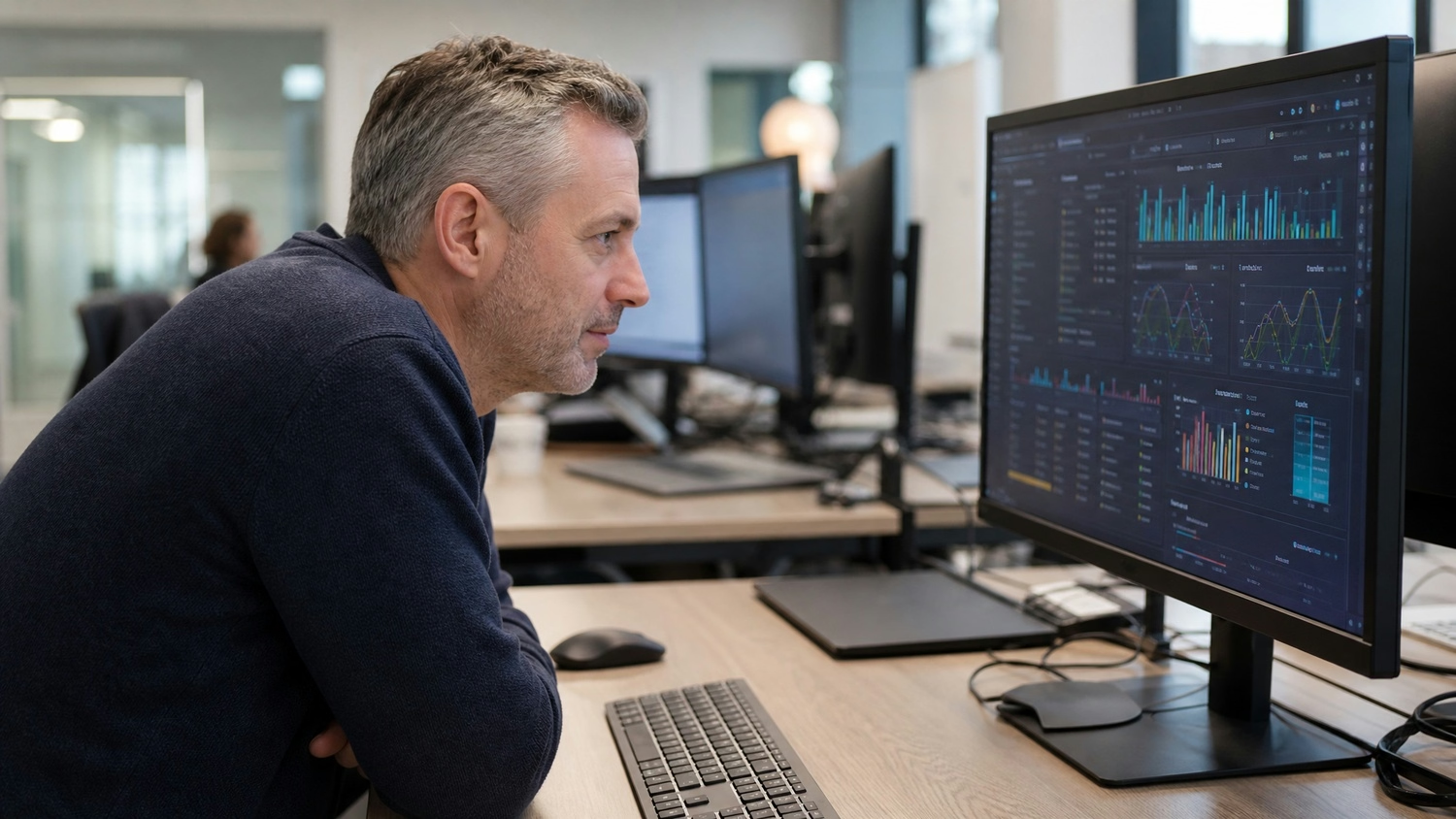
As your business grows, keeping track of every piece of technology becomes more challenging. Without a clear strategy, it’s easy to lose sight of what you own, how it’s used, and when it needs attention. This can lead to wasted resources, security risks, and unexpected costs.
A structured asset lifecycle management process helps you stay organized and proactive. By tracking assets from purchase to disposal, you can make smarter decisions about upgrades, repairs, and replacements. This approach also supports better planning for future growth, ensuring your technology keeps up with your business needs. With a reliable management solution, you can focus on your core operations while knowing your IT assets are under control.
Developing a strong asset lifecycle management strategy involves several important steps. Here’s how to get started and what to focus on for long-term success.
Begin by taking stock of all your hardware and software assets. Accurate inventory management is the foundation of any good strategy. Make sure to include details like purchase dates, warranty status, and current usage.
Clearly outline the stages each asset will go through, from acquisition to disposal. This helps your team understand what’s expected at each step and ensures consistency across your organization.
Establish guidelines for regular maintenance, updates, and repairs. This keeps your equipment running efficiently and extends its useful life. Documenting these policies makes it easier to train new staff and maintain standards.
Use management software to automate asset tracking and streamline reporting. These tools help you monitor asset performance, schedule maintenance, and generate useful reports for decision-making.
Decide in advance when to replace business IT equipment based on age, performance, and business needs. Having a plan reduces the risk of unexpected failures and helps you budget for future investments.
Technology changes quickly, so it’s important to review your asset lifecycle management strategy at least once a year. Adjust your approach as your business grows and new challenges arise.
Putting an asset lifecycle management process in place requires careful planning and the right tools. Start by assigning responsibility for asset management to a dedicated team or individual. This helps ensure accountability and keeps your process running smoothly.
Invest in a reliable management system that fits your business size and needs. Look for features like automated asset tracking, maintenance scheduling, and reporting. These tools make it easier to manage large inventories and support compliance with regulations. Training your staff on best practices is also essential—everyone should know how to record asset information and follow established procedures.
Finally, don’t forget about data security and proper disposal. When retiring old equipment, make sure all sensitive data is wiped and hardware is disposed of according to legal requirements. This protects your business from security breaches and helps you stay compliant.
Following proven best practices can help you get the most out of your IT assets. Here are some key tips:
Staying organized and proactive helps your business avoid common pitfalls and maximize the value of your technology investments.

Are you a business with 10 to 350 employees looking to get more control over your IT assets? Growing companies often struggle to keep up with technology changes, equipment upgrades, and compliance requirements. We understand how important it is to have a clear plan for managing your hardware and software from start to finish.
Our team at Carmichael Consulting Solutions specializes in what is IT asset lifecycle management. We help you track, maintain, and replace your business IT equipment at the right time, so you can focus on what matters most—running your business. Contact us today to learn how we can support your asset management needs and keep your technology working for you.
Asset lifecycle management helps you avoid unnecessary purchases and extend the useful life of your equipment. By tracking asset usage and scheduling regular maintenance, you can plan upgrades and replacements before problems occur. This approach supports better budgeting and reduces your total cost of ownership over time.
A good management system also helps you monitor asset performance and identify underused or outdated equipment. By retiring or repurposing these assets, you can optimize your IT investments and improve your return on investment.
The main stages include planning and procurement, deployment, asset tracking, maintenance, and disposal. Each stage plays a critical role in keeping your technology running smoothly and securely.
Properly managing each stage ensures your business stays compliant, avoids downtime, and gets the most value from every asset. Regular reviews and updates to your process help you stay ahead of technology changes.
You should replace business IT equipment when it becomes unreliable, no longer meets performance needs, or is out of warranty. Tracking maintenance history and asset lifespan helps you make informed decisions about replacements.
Using management software to monitor asset information and performance data can alert you when it’s time for an upgrade. This proactive approach reduces the risk of unexpected failures and costly downtime.
The best way to track software assets and licenses is by using a dedicated asset management system. This helps you keep accurate records, monitor usage, and stay compliant with licensing agreements.
Regular audits and inventory management ensure you only pay for what you use and avoid penalties for unlicensed software. Automated tools make it easier to manage renewals and updates.
Asset lifecycle management supports data security by ensuring proper handling of hardware and software throughout their useful life. Secure disposal of outdated equipment prevents sensitive data from falling into the wrong hands.
Establishing clear policies for data wiping and secure asset disposal helps your business meet legal requirements and protect confidential information. Regular reviews of your process keep your security measures up to date.
Management software streamlines asset tracking, maintenance scheduling, and reporting. It helps you stay organized, reduce manual errors, and improve decision-making.
Automated alerts and dashboards provide real-time insights into asset performance and usage. This makes it easier to plan upgrades, control costs, and support business growth.
After almost 15 years working in corporate Information Technology in Atlanta, Georgia, Tyler Jones left his role as Vice President of Service Operations with a national payroll provider in 2011 to start Carmichael Consulting Solutions, LLC.


.svg)
-svg.webp)
.svg)