%20(1).jpg)

A business can pass every compliance audit and still face long recovery times after a security incident if restriction and update settings aren't standardized. Audit success often hides these gaps until it's too late.
Mac security software works by applying one set of rules—update schedules, restriction levels, encryption—across every device a business owns, and the protection only holds if those rules land the same way for every user. When they don't, the gap rarely shows up during an audit.
It shows up later, when something breaks, and recovery has to move fast.
A setup can pass every paper check and still carry that gap underneath. If restriction and update settings aren't standardized across all users, the inconsistency sits quietly until an incident forces IT to deal with it device by device, and that's exactly when delay is most expensive. This is why businesses in Atlanta, and everywhere else, need to look past the checklist.
Compliance alone does not guarantee a fast or effective recovery after a security event. Many organizations only discover this once delays start costing them real time and real money, by which point the checklist has already done its job and stopped being useful.
Mac security software itself is built to protect devices from threats, manage updates, and control what users can do, so understanding what it's for is the easy part. The harder part is consistency: if each user has different settings, the system's strength is only as good as its weakest configuration.

Compliance checklists exist to confirm that certain controls are present—antivirus for Mac, device encryption, regular updates—and that's a fair baseline. What they rarely check is how evenly those controls are applied across every user and every device.
When teams rush to meet an audit deadline, they tend to install the security software and switch on FileVault encryption, then leave update schedules or restriction settings up to whoever's logging in. That produces a patchwork: some users running the latest updates, others several versions behind without anyone tracking it.
The outcome is a false sense of security. Everything reads clean on audit day, yet the business stays exposed to whatever slips through the inconsistency. If a breach does happen, recovery slows down under the weight of unclear responsibilities and settings that were never standardized in the first place.
Restriction and update settings sound like background configuration, but they shape how fast a business can respond once something goes wrong. That's the part most teams underestimate.
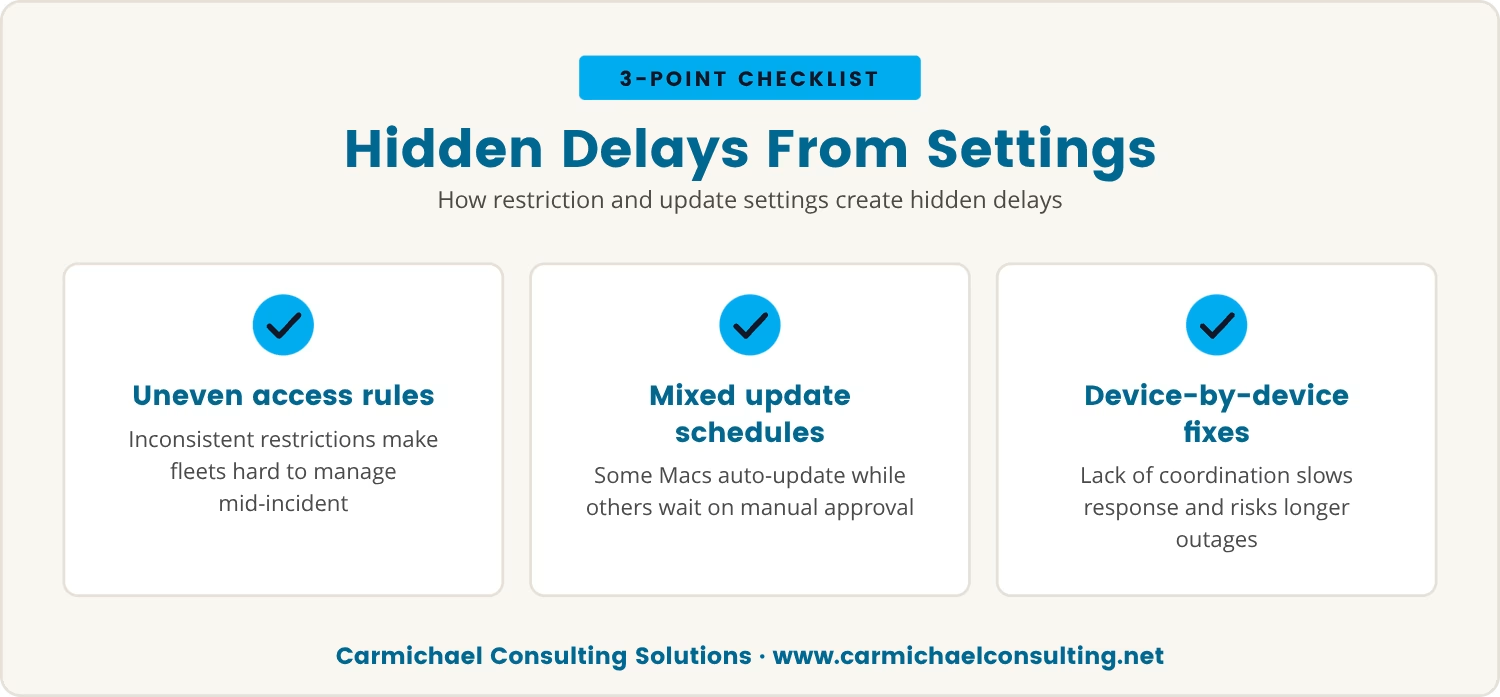
Without standardized restrictions, users end up with different levels of access—some able to install software or change system settings, others locked out of both—and that unevenness makes a device fleet hard to manage mid-incident.
Update settings carry the same risk in a different shape. If some Macs update automatically while others wait on manual approval, IT ends up spending its first hours tracking down which machines are still vulnerable rather than fixing anything, and in a crisis those are hours the business doesn't get back.
The net effect is a one-by-one check of every device instead of a single coordinated fix, which slows the whole process down, raises the odds something gets missed, and can leave parts of the business offline longer than it needed to be.
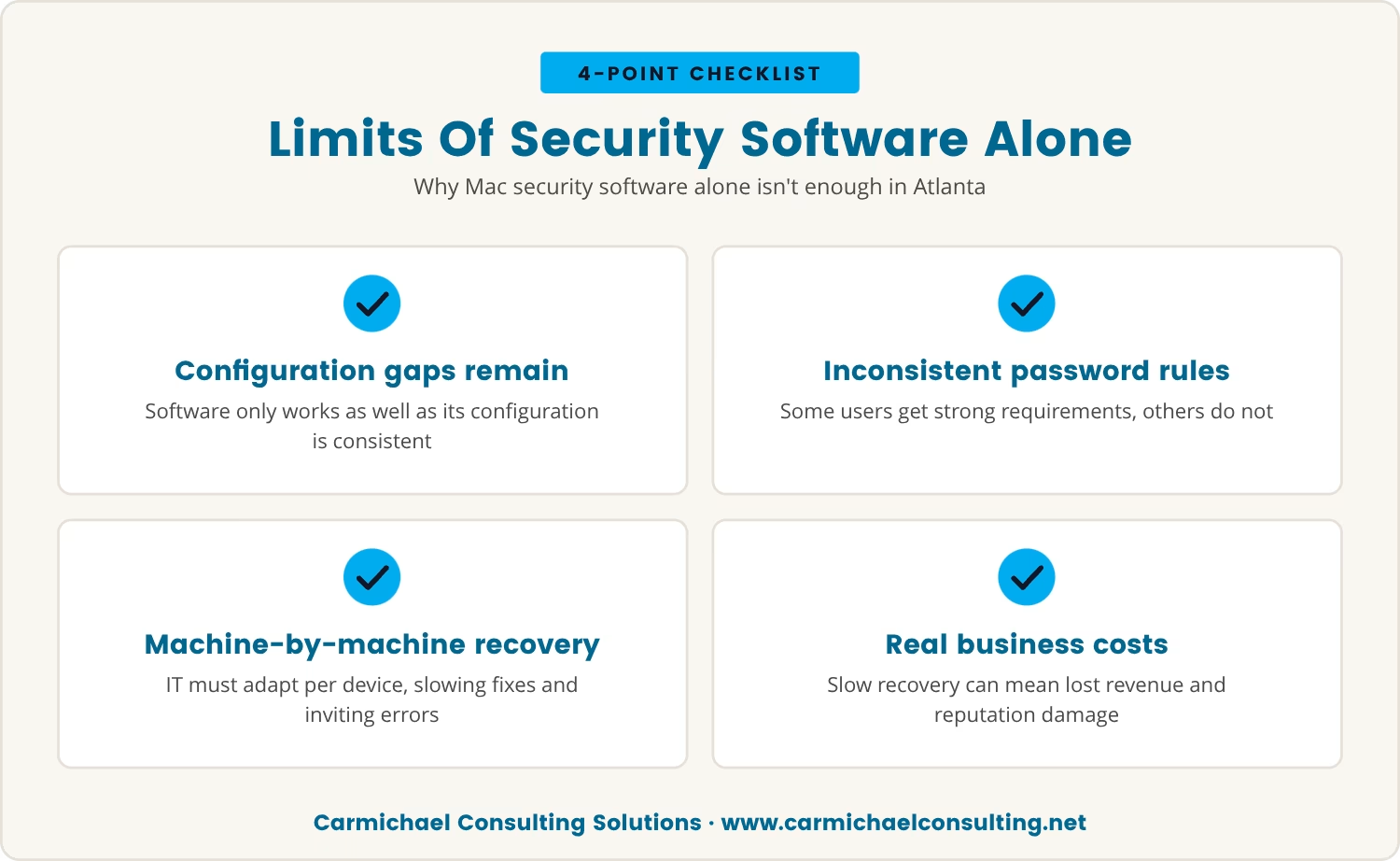
Plenty of businesses in Atlanta lean on Mac security software as the whole plan, and the software itself does its job. The problem is that software is only as effective as its configuration, and configuration is where consistency usually breaks down.
One user might run strong password requirements; another might not, simply because nobody standardized the setting across accounts. That unevenness barely matters on a quiet day, but it becomes the whole story during recovery.
At that point, IT can't push one fix across every device. Instead, the team adapts its approach machine by machine, which takes longer and leaves more room for error at the exact moment speed matters most.
For businesses in Atlanta facing both local and global threats, that stretched-out recovery window has a real price tag: lost revenue, a dented reputation, customers who notice the delay.
Standardization sounds straightforward on paper, and then a handful of recurring issues get in the way. Here's where it typically goes wrong.
When access levels differ from one user to the next, enforcing a single security policy or pushing a single update becomes a negotiation instead of a command.
Updates that depend on someone clicking "approve" are updates that sometimes don't happen, and the devices that miss them carry the vulnerability quietly until it's tested.
Without one system overseeing every device, IT ends up managing each machine on its own terms, which costs time and invites mistakes.
Out-of-the-box settings weren't built for a specific business's risk profile, so leaning on them usually means skipping the advanced protections that actually matter.
If nobody wrote down what each device's settings are supposed to be, nobody can tell quickly which devices need attention once recovery starts.
Users pushing back on restrictions tend to produce exceptions, and exceptions that go untracked are exactly the gaps that undo the rest of the standardization effort.
Passing every audit doesn't rule out a slow recovery. These are the warning signs worth checking for regardless of what the last audit said:
Slow recovery doesn't stay contained to IT; it spreads into the rest of the business the longer it runs. That's the part worth sitting with.
Extended downtime disrupts operations, delays whatever projects were in motion, and frustrates customers who are waiting on the other end of it. The longer systems stay down, the more likely the business is to lose ground and reputation along with it.
That drag also wears on the people doing the fixing. IT staff end up working overtime while everyone else sits idle, and that combination tends to produce burnout and lower morale faster than most businesses expect.
And underneath all of it sits the financial line: lost productivity, missed opportunities, and possibly regulatory fines, stacking up to a figure that usually outweighs what it would have cost to standardize the setup properly beforehand.
Passing an audit only confirms the starting line; the real test is what happens after an incident, once the checklist stops being relevant and the recovery clock starts.
We think Carmichael's actual strength sits in security and operations rather than in heavier development work, and that we do better pointing a business toward that strength than trying to be the broadest possible shop. We're fairly confident in that read, though we'll own it as a judgment call rather than settled fact.
That's a personal judgment on our part, not a claim that we're strong across the board — development isn't where we'd ask to be judged, and we'd rather say that plainly than dodge it.
The reasoning behind it is fairly mechanical: operations and security are the layer where inconsistency actually causes damage — mismatched restriction settings, update schedules that drift apart, devices nobody's tracking — and fixing that layer is also where a recovery plan gets faster, not just cleaner on paper.
So start by reviewing your current setup. Are restriction and update settings the same for every user? Do you have a way to manage all devices from one place? If the answer's no on either count, that's the gap worth closing first.
Standardizing those settings doesn't eliminate incidents, but it does mean responding to one with confidence instead of guesswork, and it closes off the kind of quiet gap that turns a manageable event into a long one. A recovery-ready business is thinking past the audit toward how fast it can actually get back on its feet — and that's where the resilience really gets built.

Many businesses with 10 to 350 employees believe their Mac security setup is ready because they passed an audit, only to discover recovery takes longer than expected. At Carmichael Consulting Solutions, we understand how frustrating it is to realize your systems aren't as recovery-ready as you thought.
We invite you to see how our team approaches standardization and recovery planning, or to start a conversation about your current Mac environment. Let's make sure your business is ready for more than just the next compliance check.
Get a FREE $2,500 Cybersecurity Audit to identify where your Mac security setup may be slowing down recovery—available to qualified businesses.
A centralized management tool that shows every device's settings in one dashboard will surface the differences quickly—update schedules, restriction levels, installed software, all in one view. Finding variation there is the clearest sign your security posture isn't fully standardized yet.
Automating updates and pushing them to every Mac on the same schedule is the most reliable approach, since it removes the gap that manual approval tends to create. Manual updates leave room for missed patches and slow down recovery once an incident starts.
Restriction management governs what a user can actually do on their device, and tightening it cuts down on accidental changes, malware installation, and data leaks. Consistent restrictions across every device also make it far easier to manage a fleet mid-incident.
FileVault encryption protects data if a device is lost or stolen, though it does add a layer of complexity once recovery starts. Keeping it enabled across every user and storing recovery keys securely means data stays accessible when it's needed without weakening the protection.
Explaining plainly why the restriction exists and how it protects both the business and the user tends to work better than enforcing it silently, and pairing that with some training helps the adjustment stick. Exceptions should stay rare, since each one tends to be the weak point that undoes the rest of the setup.
After almost 15 years working in corporate Information Technology in Atlanta, Georgia, Tyler Jones left his role as Vice President of Service Operations with a national payroll provider in 2011 to start Carmichael Consulting Solutions, LLC.


.svg)
-svg.webp)
.svg)



%2520(1).avif)