%20(1).jpg)

Requiring Managed Apple IDs for every company Mac can actually increase support tickets and legal disputes, especially during offboarding. Allowing personal Apple IDs, with the right controls, often reduces these risks and keeps business operations smoother.
When Apple Business Manager policies go wrong, picture this: a Mac heads home with a departing employee for the last time, the account already flipped over to a Managed Apple ID, and the apps and photos that employee paid for are still sitting on that machine.
One setting choice, and a routine goodbye turns into a legal question and a pile of support tickets.
That scenario isn't rare because the policy behind it is unusual — plenty of IT teams reach for the same fix.
Forcing every user onto Managed Apple IDs feels like the safe, controlled move for company-owned Macs, so it's an easy default to land on. But that default can strand an employee's purchased apps and personal files, and in some cases it opens up real disputes over who owns what.
Apple Business Manager itself is just a platform: it helps you manage Apple devices, automate enrollment, and push apps out across the organization. It's built to simplify Mac management for business, and it does that well — but how you set up Apple IDs inside it matters more than most people expect going in.
Getting that balance right, between the control IT wants and the experience employees actually have, is really the whole question. The rest of this article works through why a blanket Managed Apple ID policy can backfire, particularly around support load and legal exposure.

Many organizations adopt Managed Apple IDs to gain more control over company-owned Macs, and on paper that looks like a reasonable step toward tighter security and faster setup. In practice, though, enforcing the policy across the board tends to surface problems nobody accounted for at the start.
Once employees are pushed off their personal Apple ID and onto a managed one, they often lose access to apps and content they paid for themselves. That loss shows up as frustration and lost productivity, since people end up scrambling to recover data or repurchase software they already owned — and the support queue grows instead of shrinking.
On top of that, legal complications can follow. An employee may reasonably claim ownership over apps or files bought with personal money, even though those items now sit on a company-managed device. Disputes like that tend to surface right at offboarding, exactly when things should be simplest, and a policy meant to reduce friction ends up creating more of it.
Offboarding is already a sensitive moment for both sides, and a policy that requires converting every user to a Managed Apple ID can turn a clean exit into a complicated one.
Once a personal Apple ID gets swapped for a Managed one, any apps or media the employee bought may go inaccessible on that Mac — which is exactly the kind of thing that turns into a complaint, or occasionally a legal claim, when someone believes their own property is being withheld.
From there, support teams get pulled into sorting out whose data is whose, a process that drags on especially when personal and business material have been mixed on the same device. What should be a clean break instead becomes a source of friction on both sides.
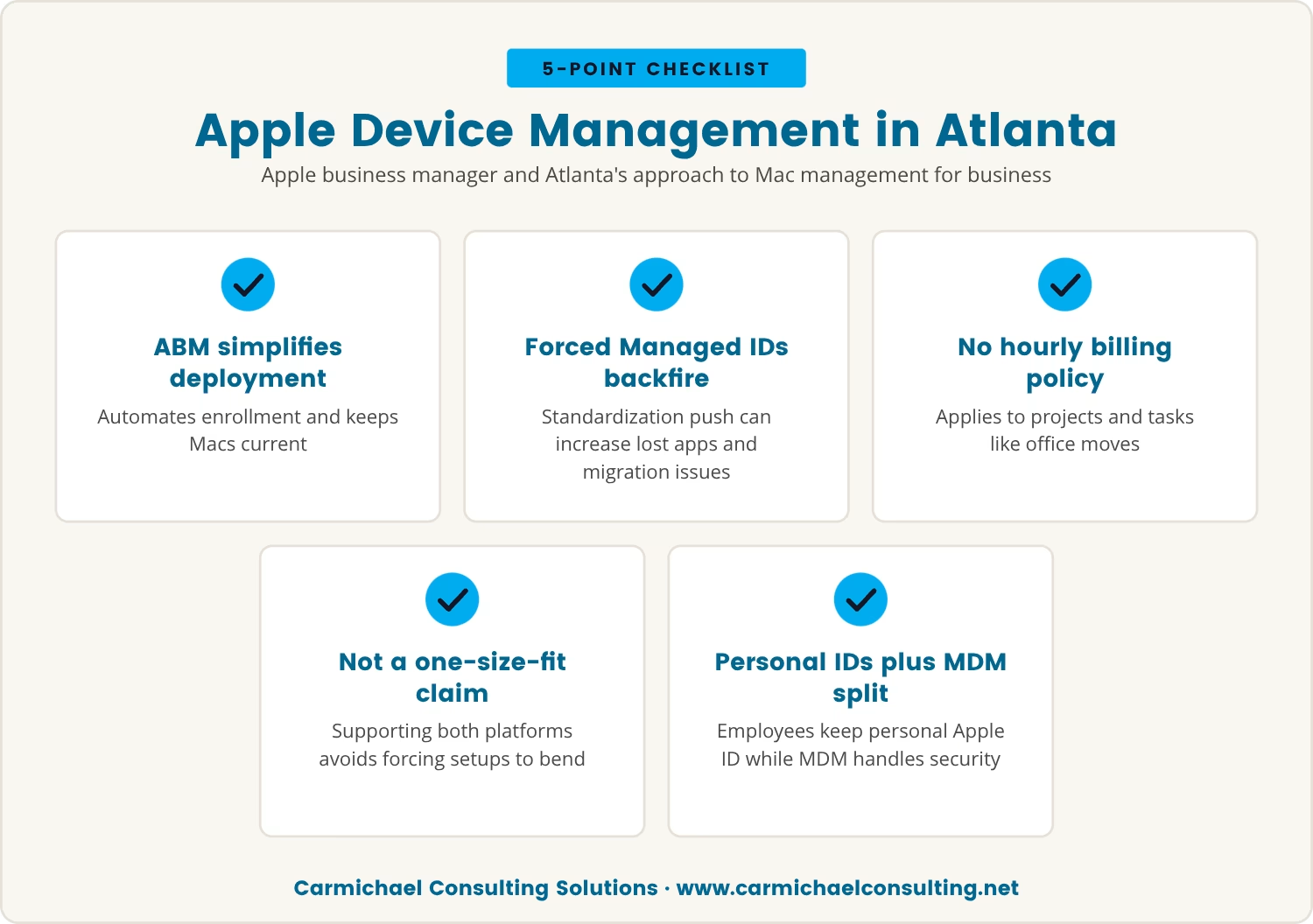
Apple Business Manager is widely used across Atlanta to automate enrollment and manage Apple devices at scale, and it's genuinely good at simplifying how company Macs get deployed, configured, and kept current.
Even so, how you handle Apple IDs inside that platform ends up shaping your support workload more than the platform itself does. Forcing Managed Apple IDs on every user looks like a path to a standardized environment, but it tends to drive up the very requests you were trying to avoid — lost apps, data migration headaches, frustrated users.
We've made it a deliberate choice never to bill hourly — not on projects, not on something like an office move — and to support both Windows and Mac with Apple-certified technicians rather than pushing everyone toward one platform.
We're fairly confident that's the right call for most of the businesses we work with, and it still leaves us with gross margins we're happy with, so it isn't a trade-off we're quietly making at our own expense. It's not that we're claiming to be the best fit for every scenario — supporting both platforms is more about not forcing a business to bend its setup around ours.
Instead, plenty of organizations in Atlanta land on letting employees keep their personal Apple ID on the company Mac, while mobile device management (MDM) tools handle access and security from the administrative side. That split tends to give IT the control it actually needs without stranding anyone's personal purchases or data.
The choice between personal and Managed Apple IDs isn't purely technical — it shapes support, offboarding, and day-to-day device management all at once. Four scenarios make that impact concrete.
Forcing users onto Managed Apple IDs can cut them off from apps they bought themselves, and that confusion over ownership tends to land back on the support desk as a recovery or repurchase ticket.
Switching Apple IDs often leaves data — photos, notes, contacts — behind on the old account, which means support spends extra time helping people recover files and device turnover slows down as a result.
At offboarding, employees may reasonably argue that personal content on a company Mac still belongs to them, and a forced Managed Apple ID makes business and personal data much harder to cleanly separate.
Strict Managed Apple ID policies tend to push support volume up rather than down, as people run into lost access, data transfer snags, and unfamiliar logins — so the control that was supposed to save time ends up costing staff hours instead.
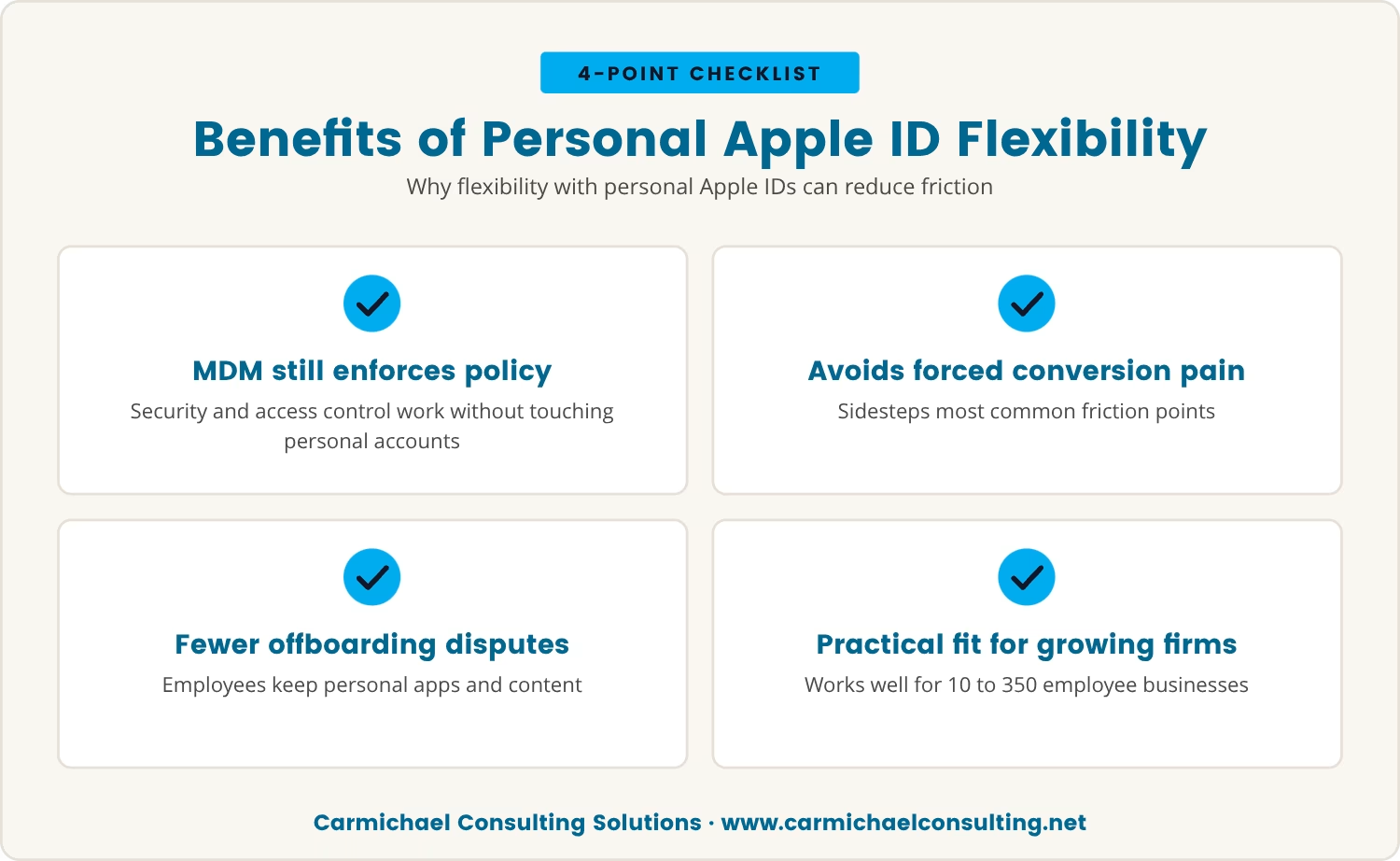
Letting employees keep personal Apple IDs on company Macs can feel like giving something up, but paired with the right MDM setup, you can still enforce security policy, manage enrollment, and control access to business data without touching the personal account.
That flexibility sidesteps most of the pain points that come with forced conversion. Employees keep their purchased apps and personal content, which lowers the odds of a dispute at offboarding, and IT spends less time untangling ownership questions and more time on the security issues that actually matter.
For businesses in the 10 to 350 employee range especially, this approach keeps device setup simple and keeps the support workload from creeping up — a practical middle ground between what users need and what the company needs to enforce.
Before locking in a policy that requires Managed Apple IDs for everyone, it's worth weighing a few trade-offs first:
It's easy to assume more control always means better security and fewer headaches, but inside Apple business manager, forcing Managed Apple IDs everywhere often creates more friction than it removes.
Letting personal Apple IDs stand where it makes sense — and leaning on MDM tools for the security side — sidesteps a lot of the support and legal trouble that strict policies bring on. That frees your team up to spend time on genuine risks instead of paperwork and disputes.
If you're weighing your own policy right now, it's worth asking: is it generating more support tickets than it's actually preventing? Sometimes the lighter-touch policy turns out to be the smarter one.

Many businesses with 10 to 350 employees find themselves stuck between wanting control and needing to avoid unnecessary support headaches. At Carmichael Consulting Solutions, we understand how tricky it can be to set up Apple device policies that work for everyone.
If you’re rethinking your approach to Apple Business Manager or want to talk through your current setup, we’re here to help. Let’s look at what makes sense for your team and your goals.
Get a FREE $2,500 Cybersecurity Audit to see where your device management policies could be putting your business at risk.
A mobile device management (MDM) solution lets you control access, enforce security settings, and manage apps on company Macs even when employees keep their personal Apple ID. It configures device policies, wipes data remotely when needed, and pushes business apps out without taking over the personal account, so security holds without the added friction.
Apps bought under a personal Apple ID stay tied to that account, so a departing employee keeps their purchases while the company Mac gets wiped and reset for the next person. That split avoids ownership disputes entirely and makes the offboarding step far smoother.
Apple business manager supports automated device enrollment, enabling zero-touch deployment for new Macs. Devices bought through an authorized reseller can enroll into your MDM server automatically, which keeps setup fast and consistent across every user.
Yes — Apple business manager paired with your MDM platform can pre-configure settings, apps, and security policy ahead of time. New hires get moving quickly, and they can still use their personal Apple ID if that's what your policy allows.
MDM tools can separate and secure the business data even after the two have mixed on one machine. At offboarding, work with the employee to transfer or delete the personal files, and pair that process with clear policy and communication so confusion doesn't repeat itself with the next hire.
After almost 15 years working in corporate Information Technology in Atlanta, Georgia, Tyler Jones left his role as Vice President of Service Operations with a national payroll provider in 2011 to start Carmichael Consulting Solutions, LLC.


.svg)
-svg.webp)
.svg)