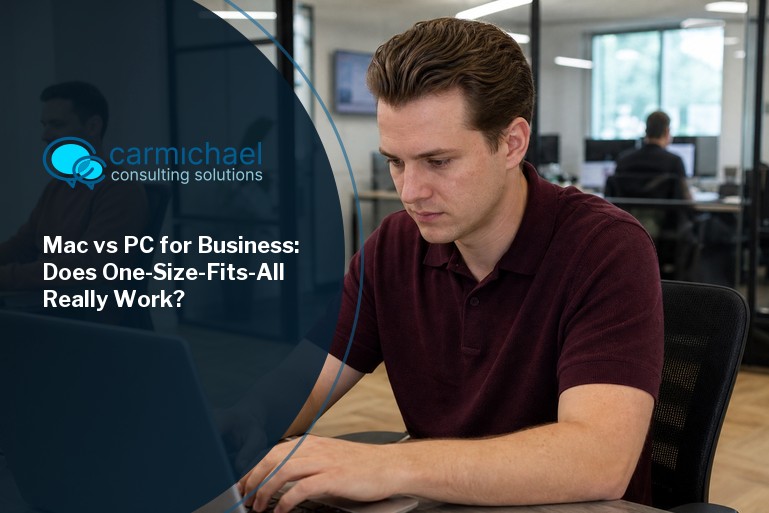
Standardizing on a single platform can actually slow down a growing business and limit your team’s potential. Supporting both Macs and PCs side by side often leads to better hiring, happier teams, and fewer unnecessary obstacles.
Picture a 40-person company that tells every new hire, from the video editor to the bookkeeper, to carry the same laptop no matter what their job actually demands. Would that single rule help the work, or would it quietly start slowing it down?
That question matters more as a company grows, because the tools people need to do good work rarely stay identical across departments. Standardizing on one machine looks tidy on paper: one operating system, one patching schedule, one support playbook. In practice, that tidiness can cost you candidates and speed once your teams start specializing.
We think forcing everyone onto the same platform tends to slow down the people who rely on different tools to do their best work, and we're fairly confident flexibility beats uniformity as a company scales. Apple's Mac lineup captured about 45% of all profits in the PC industry last quarter, which tells you plenty about how much real workplace demand sits on both sides of this choice.
With that kind of split demand, a company in Atlanta weighing its next IT move is better served looking past the "just pick one" advice. Here's the case for running Macs and PCs side by side instead.
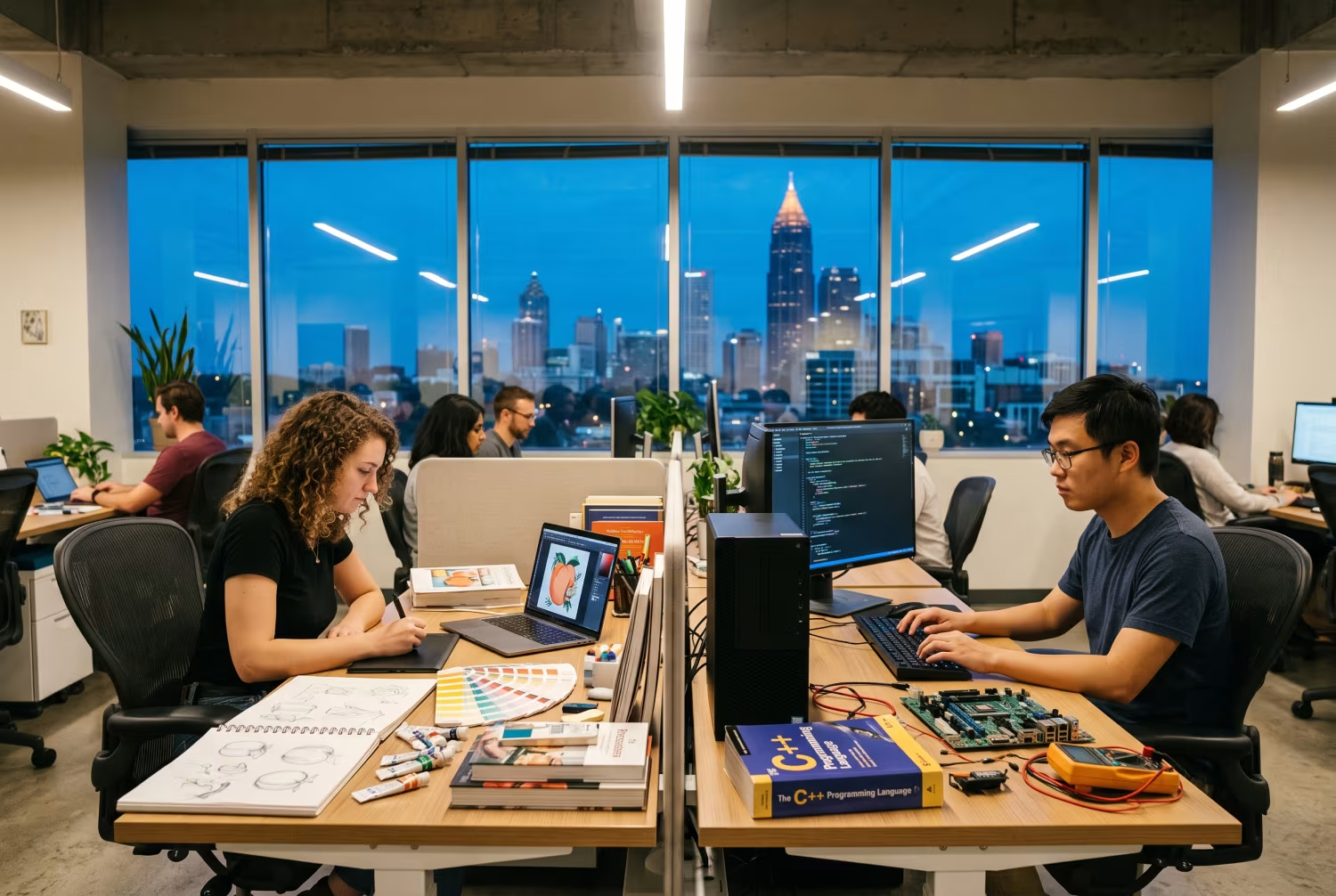
Standardizing on a single platform is usually sold as a way to cut complexity, and on a small team that can genuinely be true. The trouble shows up once the company outgrows that stage.
When everyone has to use the same type of computer, your hiring pool shrinks before you've even posted the job. Some candidates have spent years deep in macOS, others only in Windows, and a one-platform rule screens out people who could otherwise contribute on day one.
Specialized teams feel this first. Creative staff often do their best design work on a Mac, while engineers lean on Windows-only software, so insisting on one platform for both groups just means one of them is working around their tools instead of with them.
There's a morale cost too. Employees pushed onto an unfamiliar system get frustrated, and that frustration shows up in output and in how long they stick around — friction you didn't need to create in the first place.
Because that friction is real, it's worth being specific about where Macs and PCs actually diverge, rather than treating them as interchangeable boxes.
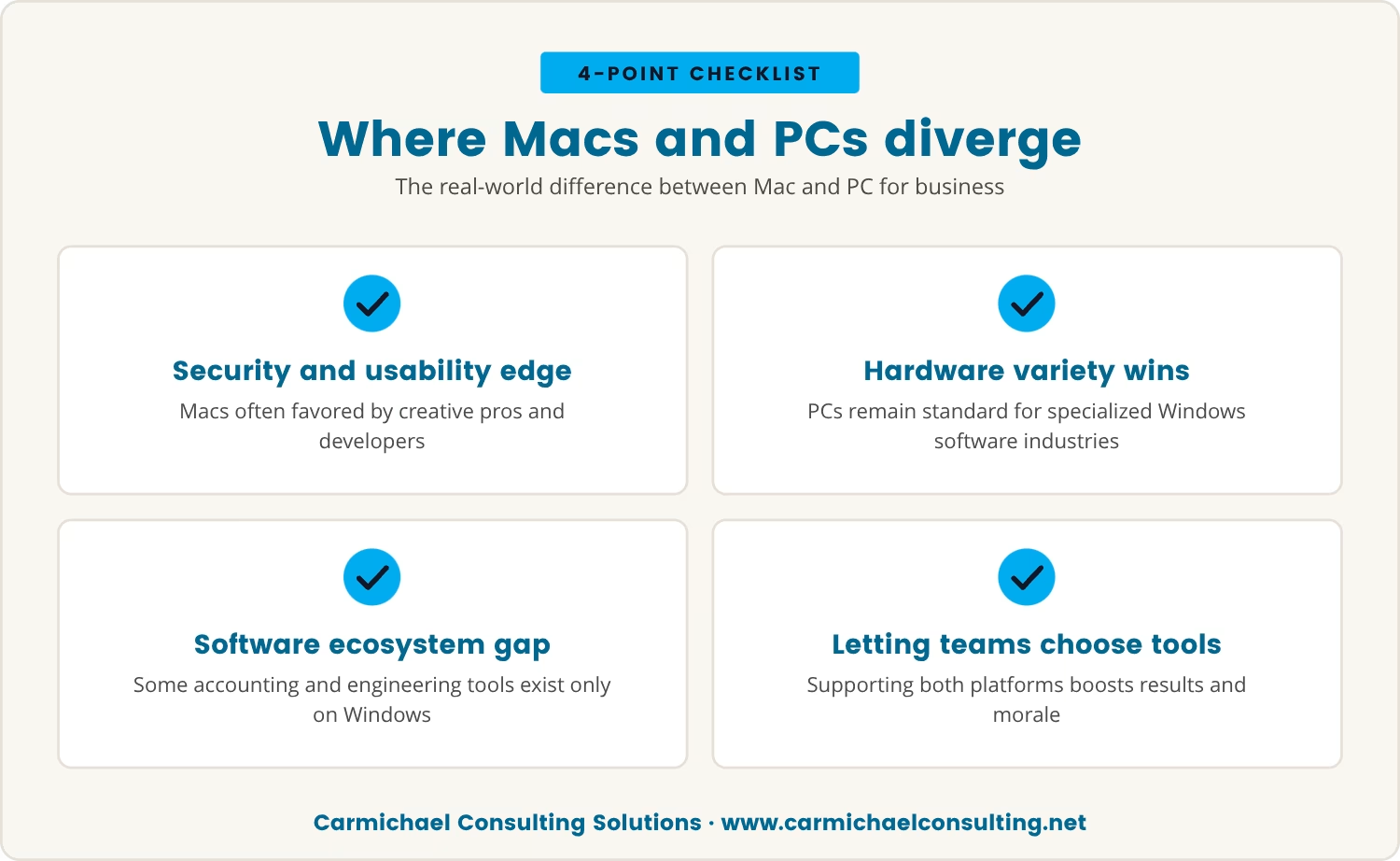
Macs tend to hold an edge on security defaults and day-to-day usability, which is part of why creative professionals and developers often gravitate toward macOS for its stability and its tie-in with other Apple devices. PCs answer back with a wider spread of hardware choices and remain the default in industries built around specialized Windows software.
That gap isn't only about the hardware in front of someone. It runs into the software ecosystem, into which business applications are even compatible, and into how updates get pushed out — some accounting and engineering tools exist only on Windows, while certain design programs run best on a MacBook Pro.
Once you allow both platforms into the business, teams get to pick the tool that actually fits the job in front of them, and that's where the better results and the better morale tend to show up together.
Given how differently those platforms serve different teams, the Mac vs PC for business question looks a little different once you're hiring in a market like Atlanta, where companies are already competing hard for talent and trying to keep specialized teams productive.
Atlanta's workforce is varied enough that offering both platforms widens who you can realistically hire — a real edge in a tight labor market rather than a nice-to-have.
Supporting both also buys you room to adapt. As the business changes shape, teams pick up new tools and new workflows, and a mixed IT setup lets you respond to that without tearing up your whole stack.
None of that has to mean chaos, either. With the right IT support and clear policies in place, Macs and PCs can run side by side without giving up security or efficiency.
Some teams need more than a standard-issue workstation, and the difference shows up department by department rather than company-wide.
Designers and video editors tend to work faster on a Mac, largely because the industry-standard software was built with that platform in mind. Giving them the tool they already know how to push hard removes a drag that didn't need to exist.
Developers frequently have to test software across more than one operating system, so having both macOS and Windows machines on hand makes building and troubleshooting for different users far more straightforward.
Finance and operations teams, on the other hand, often depend on software that only runs on Windows PCs, and pushing them onto Macs mainly creates compatibility headaches without buying anything back.
Sales staff live on the move, and a lightweight MacBook Air suits some of them while a business-class Windows laptop suits others; letting them choose is what keeps them productive between meetings.
None of this has to double your IT team's workload, because modern management platforms now handle Macs and PCs under one roof, keeping both secured and current without splitting the effort.
Given all that, the usual objection is cost or complexity, so it's worth checking those claims against what actually happens once both platforms are in place.
That last myth matters even more now that Apple silicon has reset what people expect from a Mac, with these chips delivering better performance and battery life and making Macs an easier pick for some teams than they were before.
Not every piece of business software has caught up to Apple silicon yet, though, so a company leaning on specific Windows applications will likely still need PCs for certain roles — one more reason the mixed setup tends to be the practical one.
As an Apple Consultants Network specialist, that credential is where our Apple depth comes from, and we specialize in Windows support alongside it rather than treating one as a substitute for the other.
As the technology keeps shifting, locking the whole company into one platform just makes the next shift harder to absorb. Supporting both Macs and PCs keeps that door open without forcing a disruptive switch later.
Standardizing on one platform still has its place — a small company where every role touches the same tools can keep things simple without losing much.
Growth is what changes the math. Specialized roles, new projects, and a wider spread of required software all push toward supporting both Macs and PCs, and at that point the cost of forcing everyone onto one system usually outweighs whatever simplicity it was meant to buy.
Before deciding, it's worth asking yourself: are you picking a platform for your IT team's convenience, or for your employees' output? That answer tends to shape a lot of what comes after it.
Running both Macs and PCs isn't about making IT harder to manage — it's about letting each team keep the tool that actually gets their work done.
We don't bill by the hour, including on projects and office moves, and we think that's one of the differentiators worth leaning on — though we'll admit that's our own read on it, not a guarantee stamped on every engagement, just something we're fairly confident about.
The reasoning is simple enough: hourly billing rewards drawn-out work, while a flat structure rewards getting it done, and in our experience the margins still hold up fine under that model.
The same logic carries into supporting both Windows and Mac, with Apple-certified technicians on the Mac side specifically — we're not claiming to be the strongest at everything under the sun, just that covering both platforms well is a specific strength we've built toward, not a blanket claim.
Forcing everyone onto one platform blocks hiring, slows down specialized teams, and creates friction nobody asked for; supporting both tends to open the door to better output and a workforce that isn't fighting its own tools.
If you're rethinking your setup, a mixed environment is worth putting on the table before you commit to one platform company-wide.

If you’re managing 10 to 350 employees and facing the challenge of supporting both Macs and PCs, Carmichael Consulting Solutions understands the complexity you’re dealing with. We’ve helped businesses in Atlanta find the right balance between flexibility and control.
Let’s talk about how our team can help you create an IT environment that supports your teams’ real needs, not just what’s easiest for IT. Reach out to see how Carmichael Consulting Solutions approaches mixed-platform support and what it could mean for your business.
Qualified businesses can get a FREE $2,500 Cybersecurity Audit to help identify vulnerabilities and strengthen their defenses—no strings attached.
macOS tends to lead on interface simplicity, security defaults and integration with other Apple devices, while Windows offers broader compatibility with business software and a wider spread of hardware options. Which one fits best comes down to the applications your team actually depends on day to day.
Yes — modern IT management platforms handle updates, security and support for Macs and PCs together under one system. That means a mixed fleet doesn't have to translate into double the workload for your IT team.
Start from the software and workflows each team actually runs, since creative staff and developers often lean toward Macs while finance and operations teams tend to need Windows. Letting people choose based on their own job requirements usually pays off in output.
Not necessarily — there's sometimes a bit more setup cost upfront, but total cost of ownership tends to even out with efficient management tools and planned purchasing. The productivity gained from matching people to the right tool usually offsets whatever extra cost shows up.
Check first whether your business-critical software actually runs on Apple silicon, since some applications still need updates or only run on Windows. Where a team depends on one of those programs, keeping a few PCs alongside the new Macs is the safer move.
%20(1).jpg)
After almost 15 years working in corporate Information Technology in Atlanta, Georgia, Tyler Jones left his role as Vice President of Service Operations with a national payroll provider in 2011 to start Carmichael Consulting Solutions, LLC.


.svg)
-svg.webp)
.svg)