%20(1).jpg)
Businesses rely on strong IT network support to keep their operations running smoothly. If your company depends on computer networks, you know how important it is to have reliable help when something goes wrong. In this blog, you'll learn what IT network support covers, the real job of a technician, and how support specialists keep your network infrastructure secure. We’ll also discuss the benefits, common challenges, and practical steps to get the most from your network systems. Expect clear answers about cybersecurity, downtime, and how to configure routers for your business.
IT network support is the backbone of any business that uses digital tools and computer networks. It covers everything from setting up your network systems to making sure your data is safe and your internet connection is stable. When your network infrastructure is managed well, you avoid costly downtime and keep your team productive.
Support specialists and technicians work behind the scenes to troubleshoot issues, update hardware, and protect your business from cybersecurity threats. Their job is to make sure your network runs smoothly, whether you’re a small company or a growing business. Good IT network support means your employees can focus on their work, not on fixing technical problems.
Reliable IT network support also helps you plan for the future. As your company grows, your network needs change. Support teams can guide you on upgrades, help you configure new routers, and ensure your systems meet industry standards. This proactive approach keeps your business ready for anything.
Many businesses have the wrong idea about what IT network support really involves. Let’s clear up some of the most common myths and explain what you should expect from your support team.
Some think IT network support is just for emergencies. In reality, support teams work every day to prevent problems before they start. Regular maintenance, updates, and monitoring keep your systems running and reduce the risk of downtime.
Not all technicians have the same skills. A support specialist is trained to handle complex network systems and cybersecurity threats. They know how to troubleshoot advanced problems that general IT staff might miss.
Support specialists do much more than basic tasks. They manage network security, monitor for threats, and help configure new equipment. Their work protects your business from data breaches and keeps your systems efficient.
Some worry that using outside IT network services means giving up control. In fact, a good provider works with you, offering transparency and regular updates. You stay informed and make key decisions while experts handle the technical details.
Many small companies think IT network support is only for large enterprises. However, scalable services are available for businesses of all sizes. Investing in support can save money by preventing costly outages and data loss.
While firewalls are important, network security is much broader. Support teams use multiple tools and strategies to protect your data, including monitoring, updates, and employee training.
Having an in-house team can be helpful, but outsourced IT network services often provide access to a wider range of expertise and up-to-date tools. Many businesses use a mix of both for the best results.
Choosing the right IT network support brings several important benefits to your business:
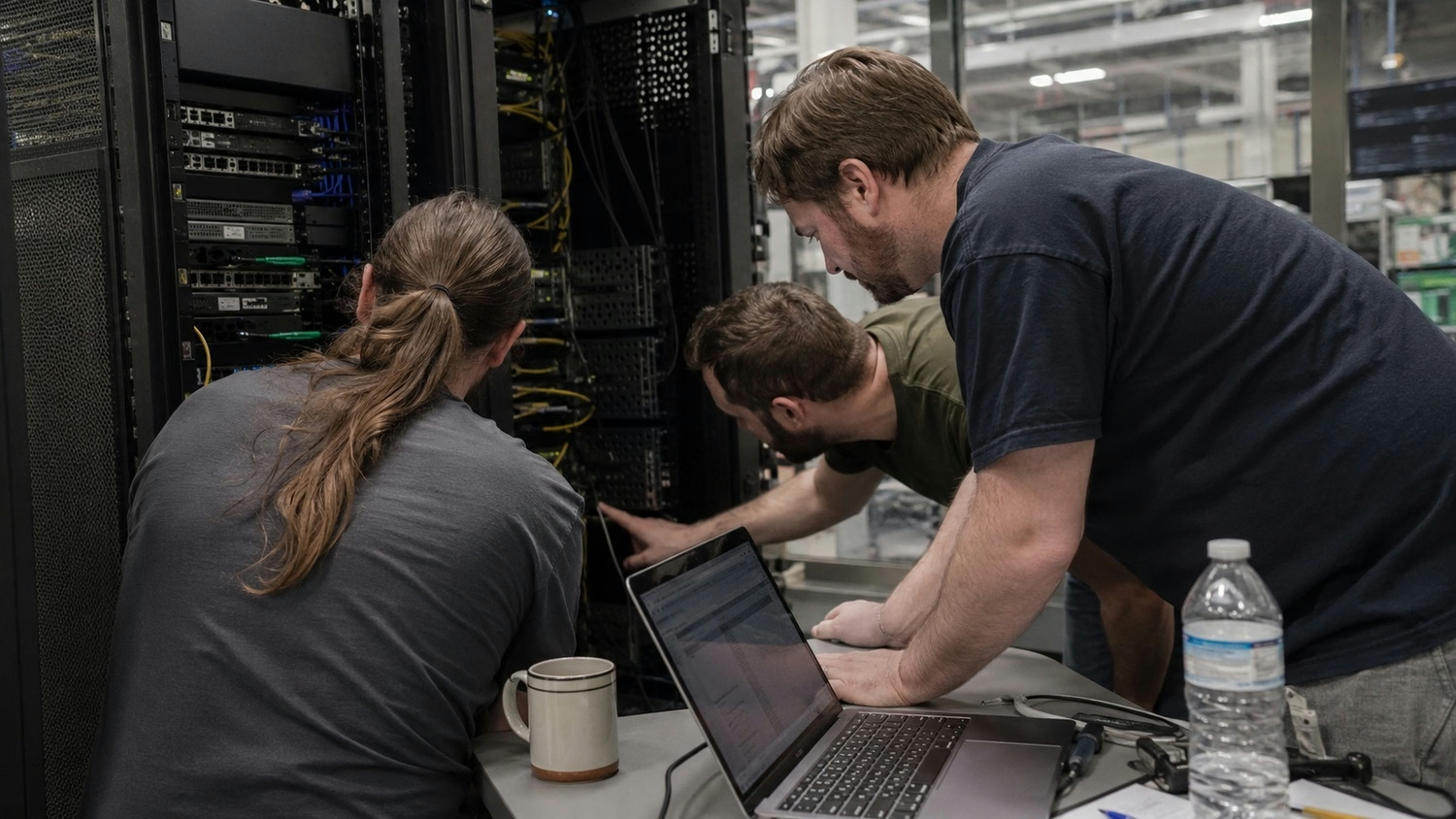
Network support technicians play a critical role in keeping your business safe and connected. They handle daily tasks like monitoring network performance, updating software, and responding to alerts. Their expertise helps prevent small issues from turning into major problems.
Network security is a top priority for these technicians. They set up firewalls, manage access controls, and monitor for unusual activity that could signal a cyberattack. By staying ahead of threats, they protect your company’s data and reputation. Regular training and system checks are part of their routine to ensure your network stays secure.
A strong support team also helps you adapt to new technology. As your business adds new devices or cloud services, technicians make sure everything integrates smoothly. This reduces the risk of compatibility issues and keeps your operations running without interruption.
Support teams are essential for delivering fast, reliable tech support and ongoing network maintenance. Here’s how they keep your business running smoothly:
The support team starts by assessing your current network systems. They identify any weak points and set up monitoring tools to track performance. This foundation helps prevent future issues.
Continuous monitoring allows the team to spot problems early. They perform routine maintenance, such as software updates and hardware checks, to keep your network in top shape.
When a problem arises, the support team responds quickly. They use remote tools or on-site visits to troubleshoot and resolve issues, minimizing downtime for your business.
The team regularly updates firewalls and security settings. They watch for signs of cyber threats and take action to block attacks before they cause harm.
Support teams help your staff with technical questions and provide training on best practices. This empowers employees to use technology safely and efficiently.
As your business expands, the support team helps you scale your network infrastructure. They guide you on adding new devices, upgrading systems, and staying compliant with regulations.
Regular reports keep you informed about network health and recent incidents. The support team uses your feedback to improve their services and address your specific needs.
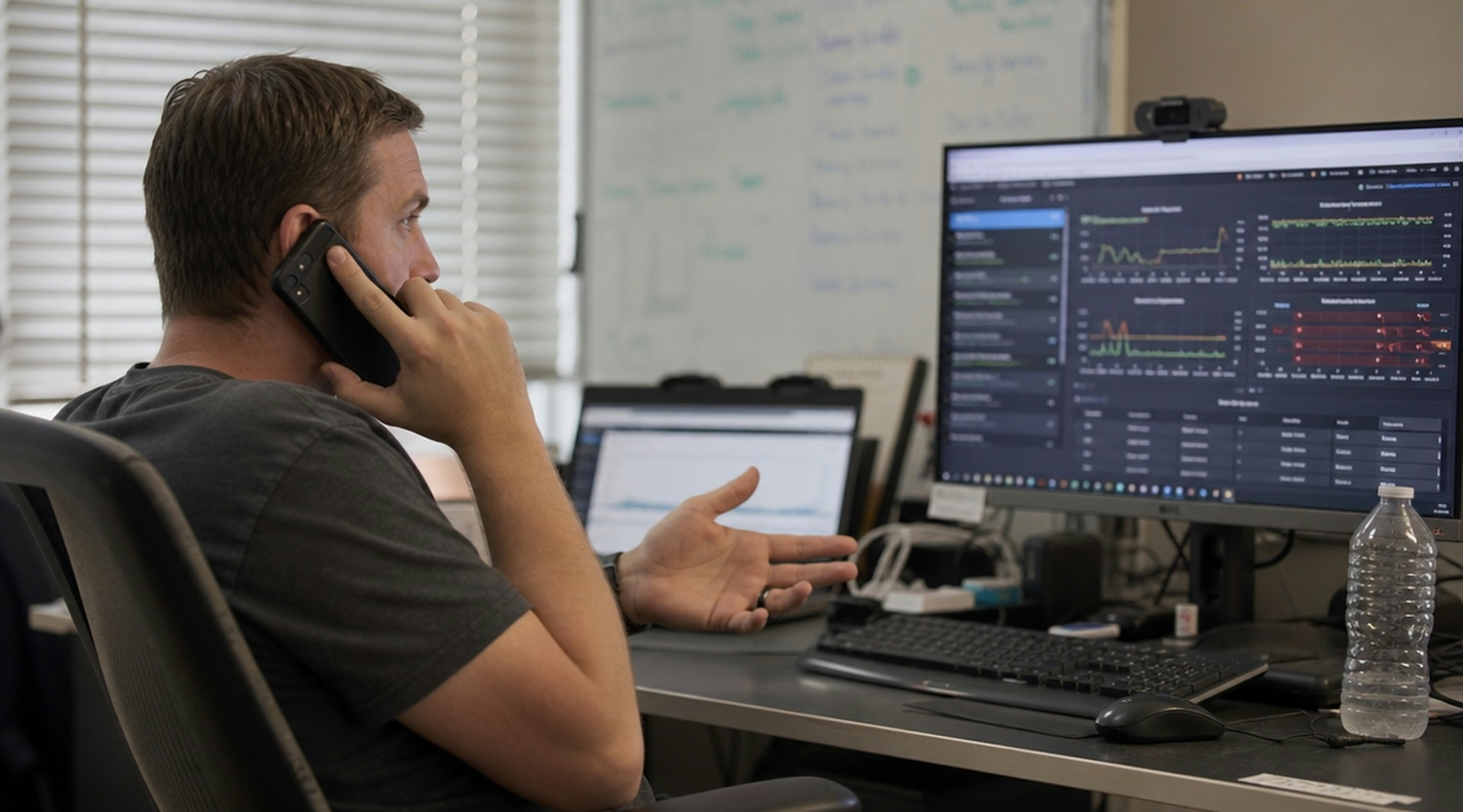
Getting started with IT network support doesn’t have to be complicated. First, assess your current network systems and identify any gaps in coverage or security. Make a list of your most important devices, software, and data, so you know what needs protection.
Next, choose a support provider or build an in-house team with the right experience. Look for technicians who understand your industry and can offer proactive solutions. Make sure they have a clear job description and can handle both routine maintenance and emergency troubleshooting.
Finally, set up regular check-ins with your support team. Review reports, discuss upcoming changes, and make adjustments as your business grows. This ongoing partnership ensures your IT network support keeps pace with your needs.
Even with strong IT network support, businesses can face some challenges. Here are a few to watch for:
Staying aware of these challenges helps you address them early and keep your network running smoothly.
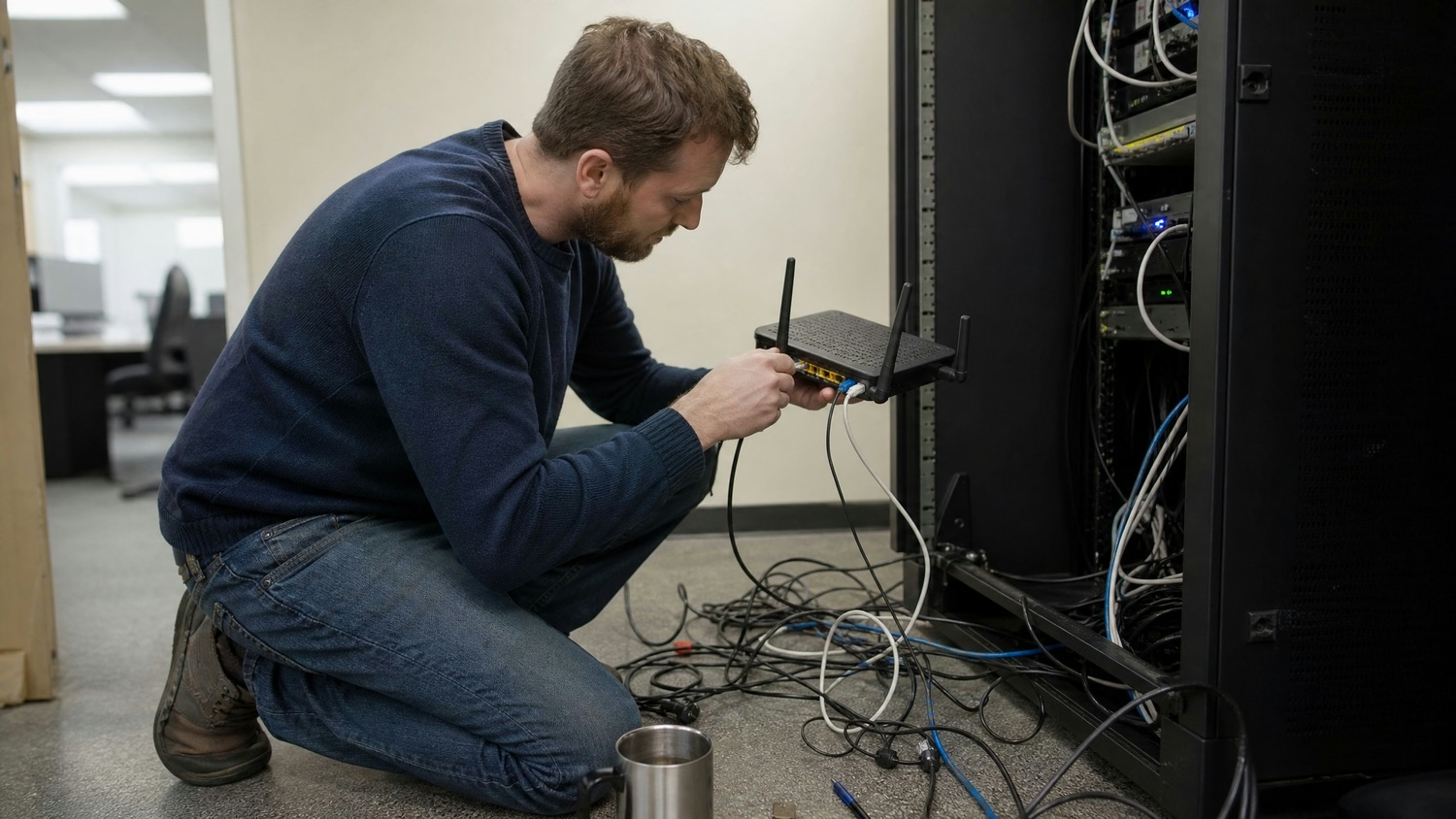
Are you a business with 10 to 350 employees looking for reliable IT network support? If your company is growing, you need a support team that understands your needs and can scale with you. Our team provides tailored IT network services that help you stay productive and secure.
We know that every business faces unique challenges, from cybersecurity threats to network downtime. That’s why we offer proactive solutions, experienced technicians, and clear communication every step of the way. Contact us today to see how we can support your business and keep your network running at its best.
A network support team helps set up, monitor, and maintain your computer networks. They troubleshoot issues quickly to reduce downtime and keep your business running. Their work includes configuring routers and ensuring your network infrastructure is secure.
They also provide guidance on upgrades and help you adapt your network systems as your company grows. This support is key for businesses that rely on information technology every day.
A support specialist focuses on protecting your business from cybersecurity threats. They monitor your network systems for unusual activity and update security settings to block attacks.
They also educate your staff on safe practices and help you configure firewalls. This reduces the risk of data breaches and keeps your information technology assets safe.
A technician may handle general IT tasks, while a support technician specializes in network support. Support technicians focus on troubleshooting network infrastructure and maintaining system performance.
They are trained to handle complex issues in computer networks, ensuring your business stays connected and secure. Their expertise is especially valuable during network upgrades or migrations.
Network support technicians monitor your systems to catch problems early. By performing regular maintenance and updates, they reduce the risk of unexpected downtime.
They also respond quickly when issues arise, troubleshooting and fixing problems before they impact your business. This proactive approach keeps your network running smoothly.
Network security involves setting up firewalls, monitoring for threats, and updating software regularly. These steps help prevent unauthorized access to your data.
A strong security plan also includes employee training and regular system checks. This ensures your network systems are always protected against new risks.
Network support provides reliable access to technical support, fast problem resolution, and ongoing maintenance. This helps your business avoid costly downtime and data loss.
It also allows you to focus on growth, knowing your network infrastructure is in expert hands. Support teams can scale their services as your company expands.
After almost 15 years working in corporate Information Technology in Atlanta, Georgia, Tyler Jones left his role as Vice President of Service Operations with a national payroll provider in 2011 to start Carmichael Consulting Solutions, LLC.


.svg)
-svg.webp)
.svg)