%20(1).jpg)
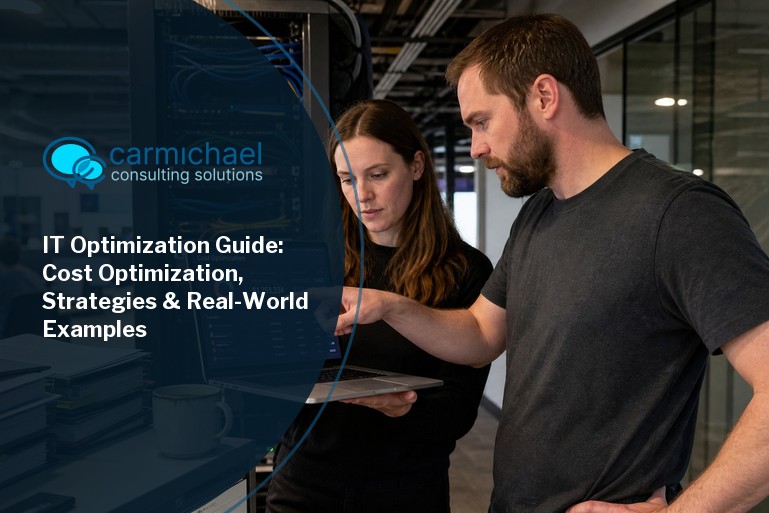
Improving your IT optimization approach can make a big difference in how your business operates and grows. In this blog, you'll learn what IT optimization means, why it matters for reducing costs, and how to align your technology with business goals. We'll cover practical optimization strategies, cost savings, automation, and ways to improve visibility and governance. You’ll also find real-world examples, best practices, and tips for streamlining your optimization efforts.
IT optimization is about making your technology work better for your business. It means using your resources wisely, cutting unnecessary costs, and making sure your systems help you reach your business goals. When you optimize IT, you can improve efficiency, reduce downtime, and support growth.
Businesses often face challenges like outdated servers, inefficient processes, or software that doesn’t fit their needs. By focusing on IT optimization, you can streamline operations, improve asset management, and make smarter decisions about where to invest your technology budget. The result is a more agile organization that can respond quickly to changes and opportunities.
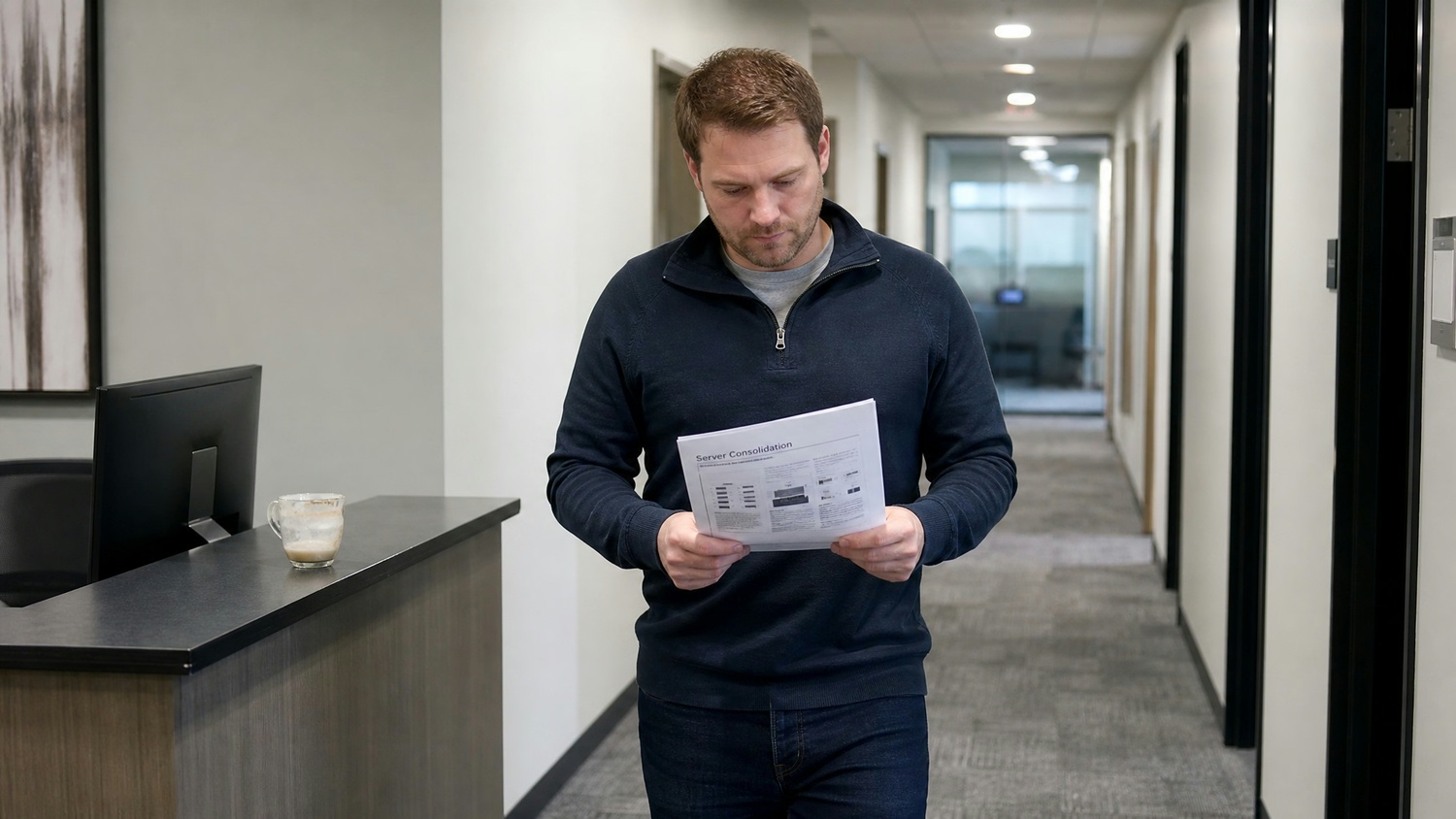
There are several proven ways to get the most from your IT systems. Here are some key strategies that can help you achieve better results and avoid common mistakes:
Start by reviewing your current IT spending. Look for areas where you can reduce costs without sacrificing performance. This might include renegotiating vendor contracts or moving to more affordable cloud services.
A strong framework helps guide your optimization process. Define your goals, set clear priorities, and create a roadmap for making improvements. This keeps your efforts organized and focused.
Check your hardware and network setup. Upgrading to modern equipment or consolidating servers can boost performance and lower maintenance costs. Make sure your infrastructure matches your current and future needs.
Use monitoring tools to track how your IT resources are used. Better visibility helps you spot inefficiencies and make informed decisions about upgrades or changes.
Automation can save time and reduce errors. Automate software updates, backups, and other repetitive jobs so your team can focus on higher-value work.
Make sure your IT projects support your overall business strategy. Regularly check that your technology investments are helping you achieve your objectives.
Keep your optimization process simple and manageable. Break big projects into smaller steps and set clear milestones to track progress.
Optimizing your IT systems brings several important advantages:
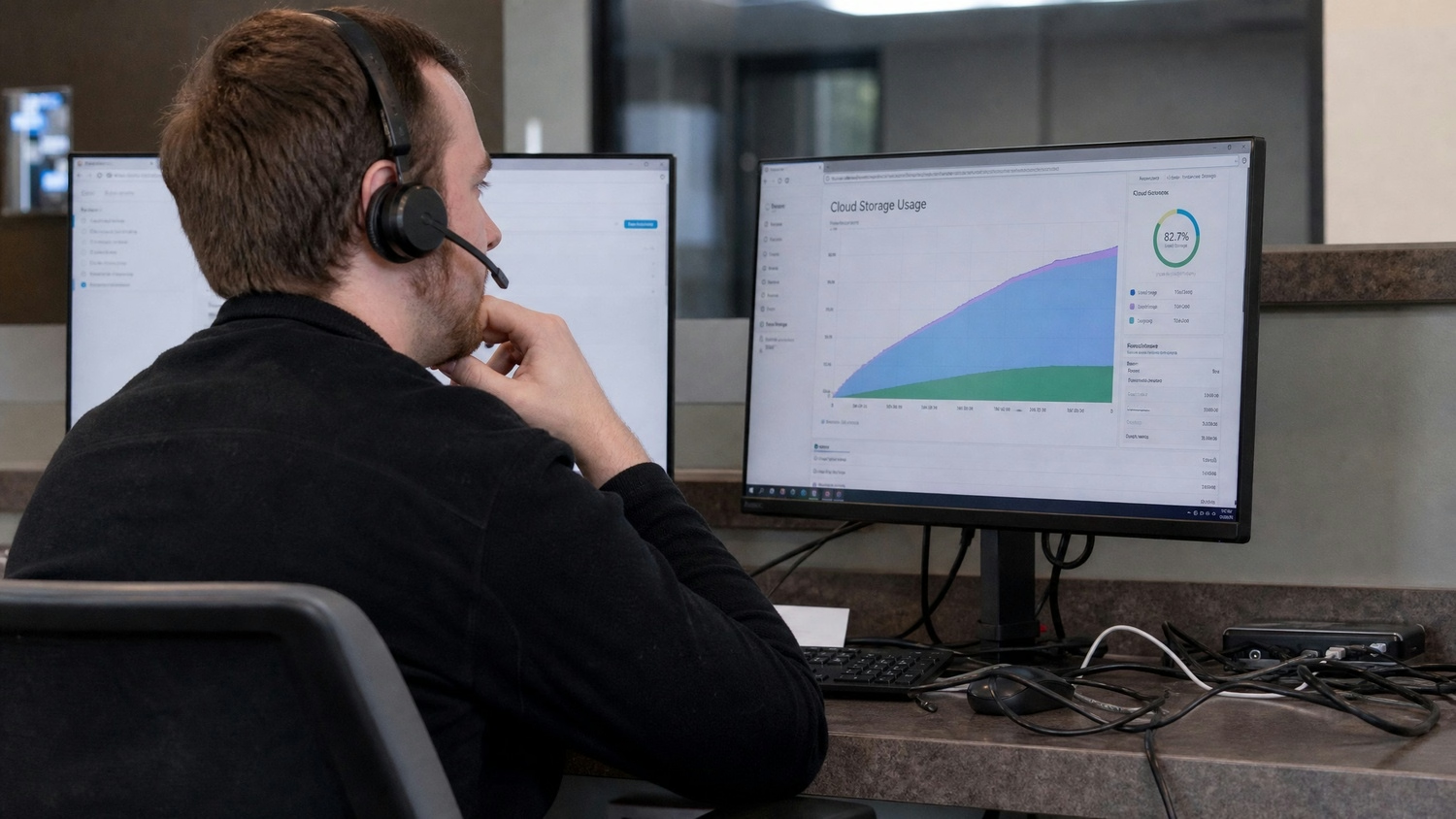
Cost reduction is a major driver for IT optimization. By identifying and eliminating waste, you can free up resources for more strategic initiatives. This might mean consolidating software licenses, retiring unused applications, or switching to more cost-effective SaaS solutions.
It’s important to balance cost savings with the need for reliable systems. Cutting too much can lead to inefficiency or risk. Instead, focus on smart cost management—invest in areas that deliver the most business value while keeping expenses under control. This approach helps you achieve both short-term savings and long-term growth.
Many organizations have successfully improved their IT operations through targeted cost optimization strategies. Here are some practical approaches you can use:
Combining workloads onto fewer servers can reduce hardware costs and simplify management. This also helps lower energy usage and maintenance expenses.
Switching from on-premises data centers to cloud services can provide flexible, scalable resources. Cloud computing often leads to significant cost savings and easier allocation of resources.
Automation tools can handle routine tasks like patching, backups, and monitoring. This reduces manual work and helps avoid costly mistakes.
Tracking your IT assets ensures you’re not paying for unused or duplicate resources. Good asset management also helps with planning future investments.
Strong governance policies help prevent overspending and ensure your IT aligns with business units’ needs. This can also reduce the risk of regulatory fines.
Using agile methods for IT projects allows you to respond quickly to changes and deliver value faster. Agile teams can identify inefficiencies early and adjust their approach as needed.
Involving key stakeholders ensures your optimization efforts match business priorities. This leads to better buy-in and more successful outcomes.
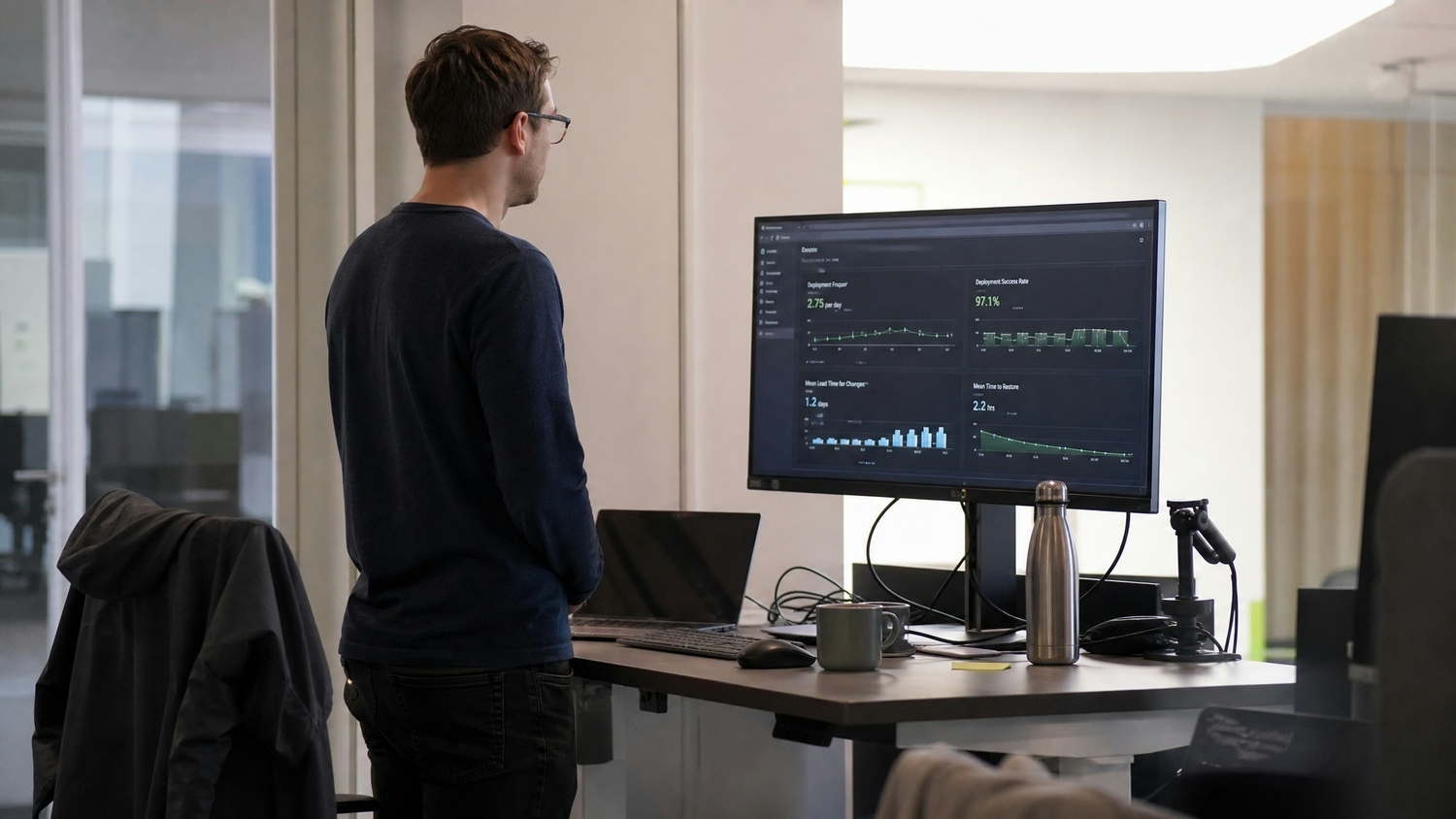
To get started with IT optimization, begin by assessing your current environment. Identify areas where you can automate processes, such as software deployment or user support. Automation not only saves time but also reduces the risk of human error.
Next, implement tools that provide visibility into your systems. Monitoring usage and performance helps you spot issues before they become problems. Regularly review your IT spending and look for opportunities to consolidate or streamline services. Make sure your optimization process includes input from business units to ensure alignment with overall goals.
Following best practices can help you achieve lasting results. Here are some key guidelines:
Taking these steps will help you build a strong foundation for ongoing IT optimization.
Are you a business with 10 to 350 employees looking to improve your IT operations? If you’re growing and need help streamlining your technology, our team can guide you through every step of the IT optimization process.
We understand the challenges of balancing cost, efficiency, and reliability. Carmichael Consulting Solutions offers tailored IT cost optimization strategies designed to help you cut costs, automate routine tasks, and align your technology with your business goals. Contact us today to see how we can support your success.
Start by assessing your current technology setup and identifying areas of inefficiency. This includes reviewing your data center, software, and hardware usage. Next, prioritize which systems or processes need improvement and set clear business goals for your optimization efforts.
Involving key stakeholders early helps ensure your plan aligns with business needs. Use data to guide decisions and measure progress as you implement changes.
Cost optimization strategies focus on eliminating waste and reallocating resources to higher-value areas. For example, consolidating servers or moving to cloud services can reduce costs and improve efficiency.
Regularly reviewing your IT spending and using asset management tools can help you identify savings opportunities. This approach supports better cost control and long-term business value.
Many companies have improved efficiency by automating routine tasks and consolidating workloads. For instance, automating software updates reduces manual work and the risk of errors.
Switching to SaaS solutions or cloud computing can also deliver cost savings and greater flexibility. These real-world examples show how targeted changes can drive operational efficiency.
Track key metrics like cost savings, downtime reduction, and improved response times. Monitoring these indicators helps you see the impact of your optimization efforts.
Regular reporting and visibility into system performance allow you to adjust your strategies as needed. This ensures your IT continues to support your business goals.
Common challenges include resistance to change, lack of clear governance, and difficulty consolidating systems. These issues can slow down your optimization process.
To overcome them, involve business units in planning and communicate the benefits clearly. Strong leadership and a well-defined framework help keep your initiative on track.
Start by setting clear objectives and involving all relevant stakeholders. Use best practices to guide your approach, such as regular reviews and agile project management.
Continually update your plan based on feedback and changing business needs. This ensures your IT optimization efforts remain effective and deliver ongoing value.
After almost 15 years working in corporate Information Technology in Atlanta, Georgia, Tyler Jones left his role as Vice President of Service Operations with a national payroll provider in 2011 to start Carmichael Consulting Solutions, LLC.


.svg)
-svg.webp)
.svg)