%20(1).jpg)
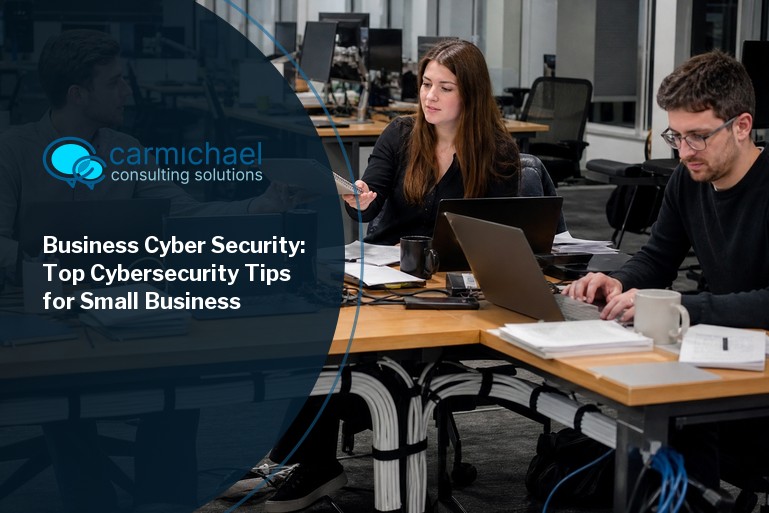
Business cyber security is more important than ever, especially for small businesses. With cyber threats like phishing, ransomware, and data breaches on the rise, protecting sensitive information is critical. In this blog, you’ll learn the basics of business cybersecurity, common mistakes to avoid, and practical steps to keep your company safe. We’ll also share cybersecurity tips for small businesses, explain authentication, and discuss how to secure laptops, mobile devices, and wi-fi networks. By the end, you’ll know how to build a safer workplace and avoid costly breaches.
Business cyber security is about protecting your company’s digital assets from unauthorized access, theft, or damage. This includes everything from customer data and financial records to employee information and intellectual property. Even a single breach can lead to lost revenue, damaged reputation, and legal trouble.
For small and medium businesses, the risks are real. Hackers often target these companies because they may have fewer resources dedicated to cyber security. That’s why understanding the basics—like using antivirus software, setting up a firewall, and keeping your systems updated—is so important. A strong security posture helps you avoid becoming an easy target.
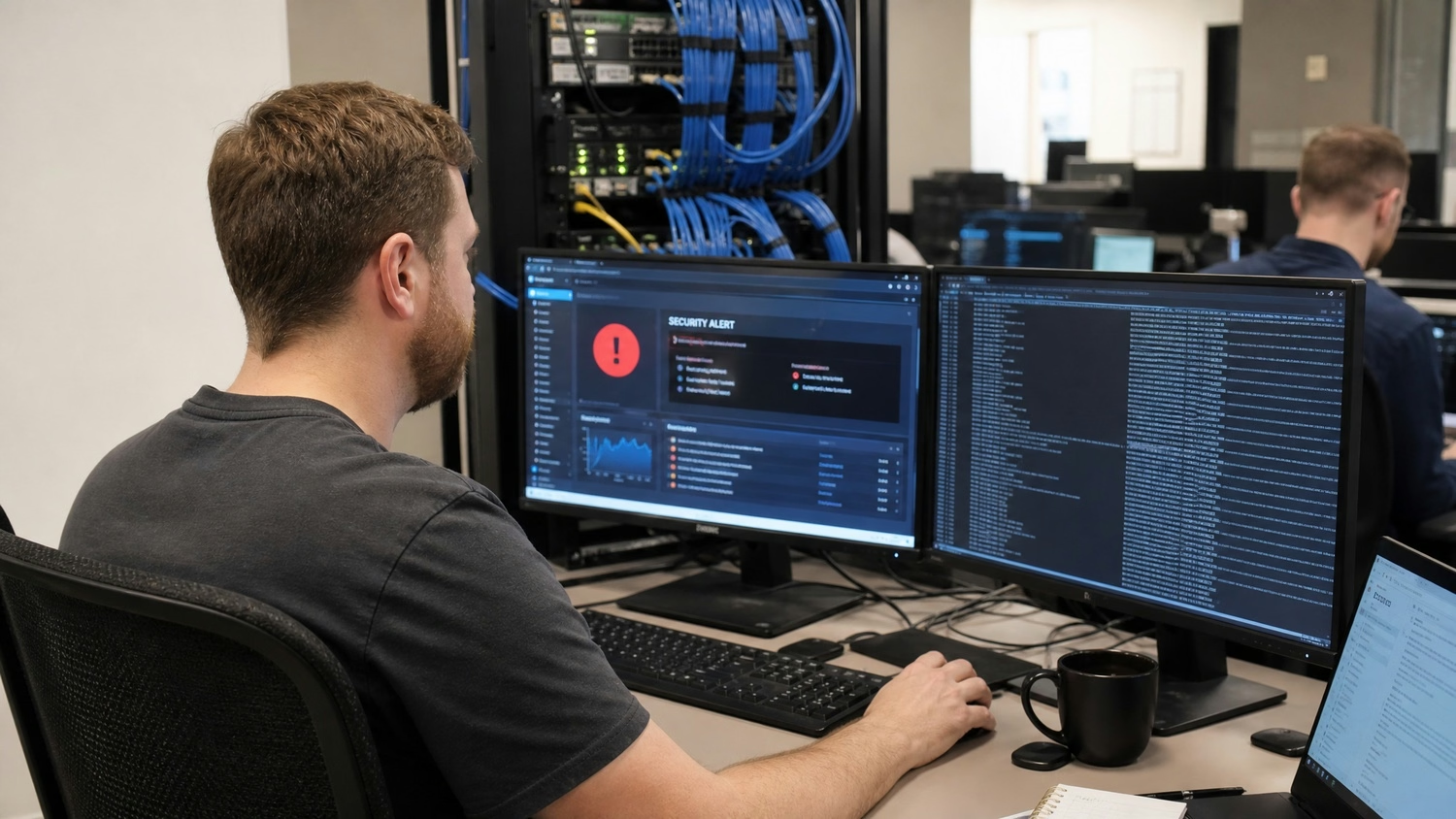
Many small businesses make simple mistakes that leave them open to cyberattacks. Here are some of the most common issues and why they matter.
Using the same password across multiple accounts makes it easy for hackers to break in. If one account is compromised, all your other accounts are at risk. Always use strong, unique passwords and update them regularly.
Skipping updates for your operating system or antivirus software can leave your business vulnerable. Updates often include patches for known vulnerabilities that hackers exploit. Make it a habit to install updates as soon as they’re available.
Phishing emails trick employees into giving away sensitive data or clicking on malicious links. Without proper training, staff may not recognize these threats. Regular training helps everyone spot suspicious emails and avoid costly mistakes.
Relying on just a password isn’t enough. Multi-factor authentication adds an extra layer of protection, making it much harder for unauthorized users to access your accounts.
Laptops and smartphones often contain sensitive business information. If they’re lost or stolen and not protected with strong passwords or encryption, your data could end up in the wrong hands.
If your data is lost due to a ransomware attack or hardware failure, having no backup can be disastrous. Regular backups ensure you can recover quickly and minimize downtime.
An unsecured wi-fi network is an open door for hackers. Always use strong encryption and change default router passwords to keep your network safe.
Every business needs a few basic protections to stay safe from cyber threats:

Cybersecurity for small and medium businesses is not just about technology—it’s about protecting your reputation and your bottom line. A single breach can lead to financial losses, legal penalties, and loss of customer trust. Small or medium-sized businesses are often targeted because attackers assume they have weaker defenses.
Investing in business cybersecurity also helps you comply with industry regulations. Many sectors require companies to protect sensitive information, such as customer payment data or health records. Failing to do so can result in fines and other penalties. By taking cybersecurity seriously, you show your customers and partners that you value their trust.
Building a strong security posture means taking a proactive approach to protect your business. Here are some key steps you can follow.
Start by identifying what data and systems are most valuable to your business. Think about where sensitive information is stored and who has access to it. This helps you focus your efforts where they matter most.
A cybersecurity framework is a set of guidelines and best practices for managing cyber risks. It helps you organize your security efforts and make sure nothing is overlooked. Many businesses use frameworks from organizations like NIST or ISO.
Authentication controls make sure only authorized people can access your systems. This includes strong passwords, multi-factor authentication, and regular reviews of user accounts.
Use monitoring tools to detect unusual activity on your network. Early detection can help you stop an attack before it causes damage. Set up alerts for suspicious logins or large data transfers.
Your employees are your first line of defense. Provide regular training on the latest security threats and how to avoid them. Make sure everyone knows what to do if they spot something suspicious.
Have a clear plan in place for responding to a breach or ransomware attack. This should include steps for containing the threat, notifying affected parties, and restoring data from backups.
Cyber threats are always changing. Review your security measures at least once a year and update them as needed to address new risks.

Putting business cybersecurity into practice means making it part of your daily operations. Start by setting clear policies for password management, device use, and data sharing. Make sure everyone in your company understands these rules and follows them.
Invest in reliable systems like antivirus software, firewalls, and secure backup solutions. Regularly test your defenses with vulnerability scans or simulated phishing attacks. The more you practice, the better prepared you’ll be to handle real threats.
Finally, stay informed about the latest security risks and solutions. Subscribe to trusted cybersecurity resources and update your policies as new threats emerge. This ongoing effort keeps your business one step ahead of attackers.
Here are some best practices to help keep your business safe from cyber threats:
Following these steps can make a big difference in your overall security.
Are you a business with 10 to 350 employees looking to improve your business cyber security? Growing companies face unique challenges as they add new staff, devices, and systems. We understand how important it is to protect your data and keep your operations running smoothly.
Our team at Carmichael Consulting Solutions specializes in cybersecurity for businesses of all sizes. We can help you assess your risks, set up reliable systems, and train your employees to spot threats. If you’re ready to take the next step, contact us today for a personalized consultation.
Small businesses often face threats like phishing, malware, and ransomware attacks. Phishing emails trick employees into revealing sensitive information, while malware can infect your systems through unsafe downloads or websites. Ransomware attacks can lock your files until you pay a fee, causing major disruptions. Having a strong firewall and up-to-date antivirus software helps reduce these risks.
You can start by using reliable antivirus software, keeping all devices updated, and training staff on basic cybersecurity tips. Even without a large IT team, setting up secure passwords and enabling multi-factor authentication can make a big difference. Regularly backing up your data and limiting access to sensitive data also helps protect your business from a breach.
Multi-factor authentication (MFA) requires users to provide two or more forms of identification before accessing an account. This could be a password plus a code sent to your phone. MFA makes it much harder for unauthorized users to break in, even if they have your password. It’s a key step in strengthening your business cybersecurity.
If a laptop is lost or stolen, act quickly to protect sensitive information. Remotely wipe the device if possible, and change passwords for any accounts accessed from that laptop. Notify your IT provider and review your security policies to prevent future incidents. Encrypting data and requiring strong passwords on all devices can help minimize damage from lost or stolen equipment.
Review your cybersecurity policies at least once a year, or whenever there’s a major change in your business. Regular updates help you stay ahead of new cyber threats and make sure your team knows what to do. Keeping up with the latest security trends and resources ensures your defenses remain strong.
Look for resources from government agencies, industry groups, or trusted IT providers. These sources offer up-to-date information on cybersecurity for small and medium businesses, including guides on how to protect your business. Subscribing to newsletters or alerts from these organizations helps you stay informed about new threats and best practices.
After almost 15 years working in corporate Information Technology in Atlanta, Georgia, Tyler Jones left his role as Vice President of Service Operations with a national payroll provider in 2011 to start Carmichael Consulting Solutions, LLC.


.svg)
-svg.webp)
.svg)